


The first day at a new job is revealing. Not just for the employee... for the business too.
If a new hire spends their first morning waiting for a laptop, chasing access to systems, or sitting idle while IT scrambles to set up their account, that's not a minor inconvenience. It's a signal about how the company operates. And the reverse is equally telling: when someone leaves and their accounts, devices, and data access aren't properly closed down, businesses create security risks they may not even know exist.
IT onboarding and offboarding are two of the most operationally critical moments in an employee's lifecycle. They're also two of the most commonly mishandled. This guide explains what good looks like at each stage, and what the true cost of getting it wrong actually is.
What IT Onboarding Actually Involves (And Why It's More Than a Laptop)
Most business owners think of IT onboarding as a straightforward task: hand over a laptop, create an email address, done. In practice, it's considerably more involved.
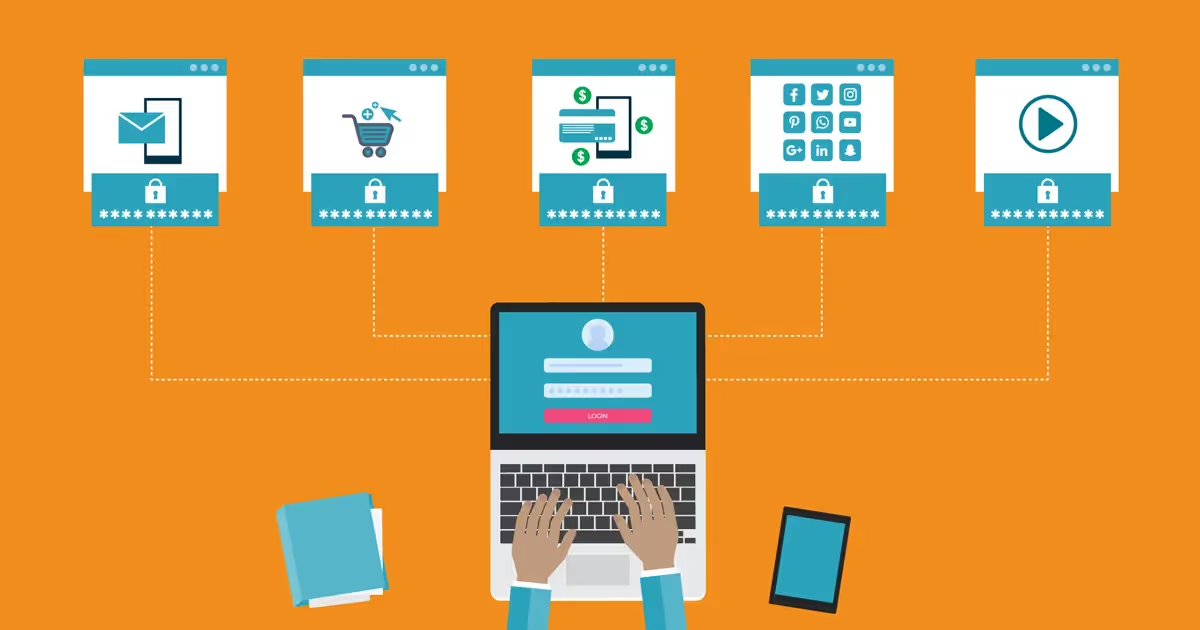
A new employee typically needs access to a range of platforms and tools: email, file storage, project management systems, communication tools like Microsoft Teams or Slack, CRM software, finance platforms, specialist applications for their role, and sometimes secure remote access via VPN. Each of these requires a separate setup, and in many businesses that process is handled manually, reactively, and inconsistently.
The result is predictable: new starters lose productive time in their first week (often days) chasing passwords and waiting on permissions. Managers are repeatedly interrupted to authorise access to things that should have been ready on day one. IT teams field a flurry of avoidable tickets.
There's a subtler problem too. When IT onboarding is done ad hoc, people often end up with more access than their role actually requires. This "access creep" is one of the most common contributors to internal security incidents, and it starts on day one.

The IT Onboarding Checklist: What to Have Ready Before Day One
A well-run IT onboarding process is proactive, not reactive. It begins before the employee's first day and follows a defined checklist based on their role — not whoever happens to be available in IT that morning.
Hardware provisioning should happen in advance. The device should be configured, enrolled in mobile device management (MDM), encrypted, and ready to go before the person walks in. For remote workers, it should be on their desk before their start date. This sounds obvious, yet it's surprising how often it doesn't happen.
Identity and access management means creating accounts in line with the principle of least privilege, giving people access to the specific tools and data they need for their job, and nothing more. This isn't just security best practice; it's good operational hygiene. Tightly scoped access is easier to audit, easier to revoke, and easier to justify under NCSC guidelines and frameworks like ISO 27001.
Software and application setup should be standardised by role. A designer joining the team needs a different software stack to a finance manager. Role-based provisioning templates make this consistent - no more starting from scratch for every new hire.
Security baseline from day one. New starters should be enrolled in multi-factor authentication (MFA) immediately, have devices configured to policy, and receive a security awareness briefing as part of their induction. Leaving this until later (or skipping it entirely) is one of the most common gaps in SME security. Consider pairing this with a structured cyber awareness training programme so good habits are established from the start.
Documentation and handover ensures IT aren't the only people who know what's been set up. A clear access record is essential for auditing, and invaluable when that person eventually leaves.
Why IT Offboarding Is Your Biggest Security Blind Spot
If onboarding is underinvested, offboarding is chronically neglected. And the consequences are considerably more serious.
When an employee leaves, they typically have access to email, cloud storage, internal systems, third-party SaaS tools, and potentially sensitive client or financial data. The moment their employment ends, that access should be revoked: completely, promptly, and verifiably.
In practice, this rarely happens cleanly. Accounts are forgotten. SaaS tools set up outside IT's visibility (often by the employee themselves) go unrevoked. Shared passwords the departing employee knew remain unchanged. A former colleague's login to your CRM or finance platform might still be valid weeks after they've left.
This isn't hypothetical. Research from multiple cybersecurity bodies consistently shows that a significant proportion of data breaches involve former employees or their compromised credentials. And beyond deliberate misuse, there's a straightforward compliance risk: under ICO guidance on employee data, being unable to demonstrate that access was properly revoked after termination is a GDPR liability.
"The biggest IT offboarding risk isn't the employee who left angrily. It's the account nobody remembered to close."
The practical challenge is that offboarding is often handled in a rush, particularly when someone leaves unexpectedly or on difficult terms. A defined IT offboarding checklist, with a nominated person responsible for executing it, is one of the highest-value security investments a business can make. It costs almost nothing to implement and closes a very real gap.

The IT Offboarding Checklist: Every Step, In Order
A robust offboarding process should be triggered the moment a leaving date is confirmed, not on the employee's last day.
- Account deprovisioning should happen on the employee's final working day, or sooner in sensitive cases. This means disabling Active Directory or Azure AD accounts, revoking Microsoft 365 or Google Workspace access, and removing the user from all internal systems.
- Email and data handover needs careful management. Emails and files belonging to the departing employee may need to be forwarded to a colleague or preserved for operational continuity. There's also a legal dimension: businesses have data retention obligations that must be balanced against timely access revocation.
- SaaS and third-party tool access is often the hardest element to close down cleanly. Many businesses are running 40, 60, or more SaaS applications: some procured centrally, many adopted by individuals without formal IT involvement. Clean offboarding requires visibility across all of them, which is only possible if access has been consistently managed throughout the employee's tenure.
- Device recovery and wipe ensures company hardware is returned and any data on it is handled correctly. For remote workers, this requires a coordinated collection process. Devices that aren't recovered (or that are wiped before confirming a data backup) create both security and operational problems.
- Password resets and credential hygiene cover any shared accounts or passwords the departing employee may have known. This is especially important in smaller teams where shared logins are common.
- Audit trail means documenting that all of the above was completed, and when. This is both good practice and, in many regulated sectors, a compliance requirement under frameworks including Cyber Essentials and ISO 27001.
The Real Cost of Poor IT Onboarding and Offboarding
Good IT onboarding and offboarding isn't purely a security issue. It has measurable operational and commercial implications for any growing business.
Time-to-productivity is directly affected by how well onboarding is managed. A structured process can cut the time a new starter spends waiting for access from days to hours — real value, particularly in project-based businesses where every day of productive output matters.
Security risk falls materially. Access creep and dormant accounts are among the most exploitable vulnerabilities an organisation carries. Closing them systematically, at both ends of the employment lifecycle, is one of the most effective steps you can take to reduce your overall attack surface.
Compliance posture improves. Whether you're operating under GDPR, Cyber Essentials, ISO 27001, or sector-specific frameworks, demonstrating control over who has access to what — and a clear process for managing that access, is a core audit requirement.
Client and partner trust increases. Businesses that handle sensitive client data or operate under contractual security obligations are increasingly expected to evidence these controls. A documented onboarding and offboarding process is evidence of a mature, professionally managed operation.
How to Audit and Improve Your IT Onboarding Process Today
If you're not confident your current processes are robust, here's where to start, in order of priority.
- Map your SaaS estate first. Do you know every application your business is using, and who has access to what? If not, this is the most important foundational step. You can't revoke access you don't know exists. A managed IT infrastructure audit can surface shadow IT and access gaps you may not be aware of.
- Build role-based access templates. Work with your IT provider to define the standard set of tools and permissions for each role. This makes onboarding faster, reduces ad hoc access grants, and ensures permissions are appropriate from day one.
- Define your offboarding trigger. Who initiates the IT offboarding process when someone leaves, and what does the checklist include? If the answer is unclear, that gap needs to close before your next departure.
- Implement MFA universally. If you're not running multi-factor authentication across all business systems, prioritise it. It's one of the single most effective controls for protecting accounts, including dormant ones.
- Run regular access reviews. Onboarding and offboarding are the obvious moments, but a quarterly access review (checking who has access to what and whether it's still appropriate) is healthy practice for any business growing beyond 20 people.
Make IT Onboarding and Offboarding a Managed Process: Not an Afterthought
The employment lifecycle creates two moments of concentrated IT risk: when someone joins, and when they leave. Businesses that treat both as structured, managed processes (rather than reactive tasks) are more secure, more operationally efficient, and better placed to demonstrate the IT maturity that clients and regulators increasingly expect.
Getting this right doesn't require a large internal IT team. It requires a clear process, consistent tooling, and a managed IT partner who takes ownership of the detail - so you don't have to.
If you'd like to understand how Lyon Tech supports onboarding and offboarding as part of a managed IT service, get in touch with our team.


.png)